LiDAR, AR or tape measure: which way should you add a room?
There is no single best way to measure a room. A LiDAR scan is quick, AR corners work on more phones, and a tape is still the most precise tool in the box. PlanSnap supports all three, and you can use different methods for different rooms in the same project. This guide explains what each one needs and when it makes sense.
Scan with LiDAR (Apple RoomPlan)
What you need: an iPhone or iPad model with a LiDAR scanner.
LiDAR measures depth directly by timing light. PlanSnap uses Apple’s RoomPlan framework, which combines LiDAR with the camera to recognise walls, doors, windows and openings while you walk around the room.
Good for:
- Whole rooms in one pass, including doors and windows.
- Rooms with many walls, where tapping each corner would be slow.
- Getting a first plan of a home quickly.
Watch out for:
- Glass, mirrors and very dark surfaces, which LiDAR handles poorly.
- Furniture against the walls. RoomPlan looks past much of it, but heavy clutter can still hide a corner.
- Large open spaces where it is unclear where one room ends.
Capture corners with AR
What you need: any iPhone or iPad that supports ARKit.
AR capture uses the camera and motion sensors to understand the floor. You tap each corner where the floor meets the walls, and PlanSnap joins the points into the room outline. Each wall shows its length and a ± range so you can see how confident the measurement is.
Good for:
- Phones without LiDAR.
- Simple rooms: rectangles, L-shapes and rooms with a few extra corners.
- Checking one wall or one room quickly.
Watch out for:
- Low light and plain, untextured floors, which make tracking harder.
- Moving too fast. Walk slowly and let the phone keep track.
- Corners hidden behind furniture. Tap the nearest visible point on the floor line instead and check the result.
Draw from tape lengths
What you need: any device and a tape measure or laser measure.
Choose a rectangle or an L-shape, or enter the room from tape lengths. PlanSnap draws the room and works out the area, perimeter and wall area from the numbers you type.
Good for:
- The most precise result, when you measure carefully.
- Rooms where AR struggles: very dark rooms, glossy floors, rooms full of furniture.
- Plans for ordering materials or sharing with a contractor, where you want numbers you measured yourself.
Watch out for:
- Typing mistakes. Read each length back before you move on.
- Rooms that are not quite square. A rectangle drawn from two lengths assumes right angles.
Accuracy at a glance
AR and LiDAR results are estimates, typically within 1–3% or a few centimeters per wall depending on the phone, the light and the surfaces. A careful tape measurement is usually better. Whatever you use, PlanSnap is not a survey and is not suitable for legal, valuation or construction documents.
A practical way to combine them
1. Scan or capture every room to get the layout of the home quickly. 2. Measure the longest wall of each important room with a tape and compare. 3. Where the difference matters, for example a kitchen where cabinets must fit, redraw that room from tape lengths.
You end up with a full plan in minutes and exact numbers where they count.
The AR ruler for everything else
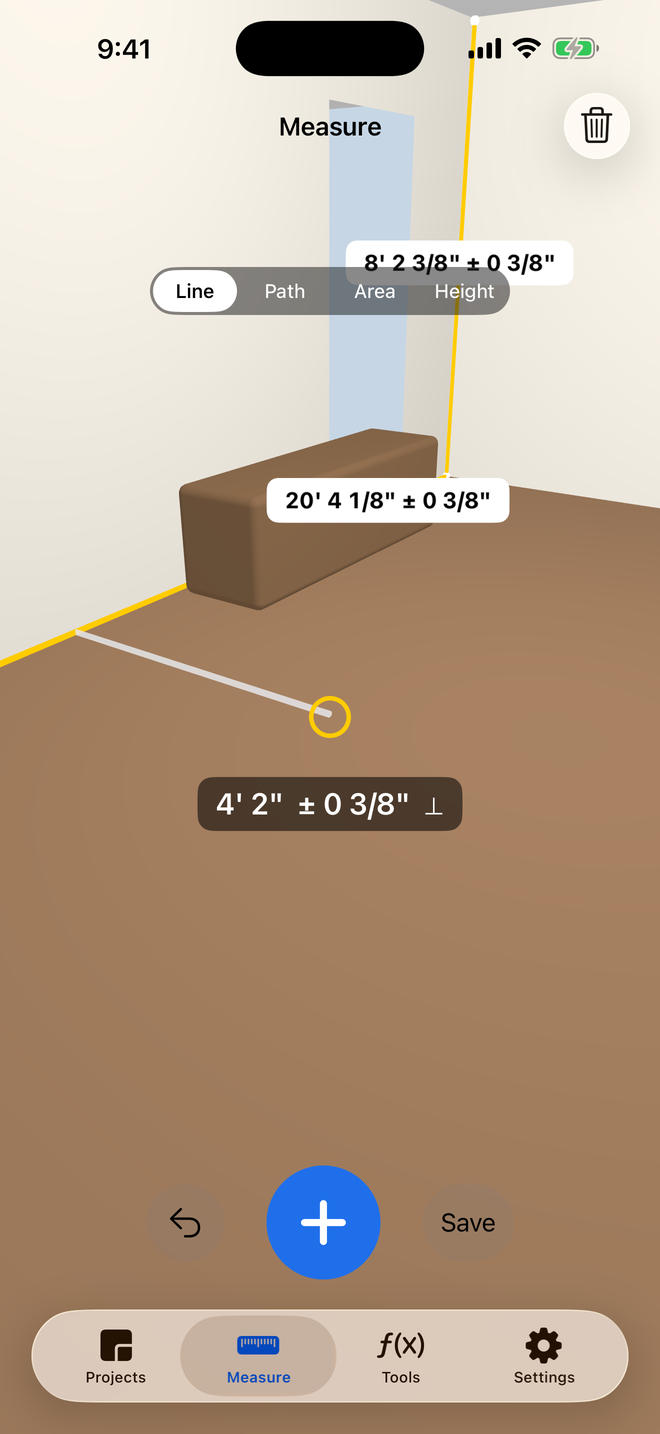
Not everything is a room. The AR ruler measures a line, a path, an area or a height, for a sofa, a doorway or a window. It is free and unlimited, and like room capture, every result shows its ± range.
Next steps
Read how to measure a room’s square footage for a step-by-step walk-through, or see support for device questions.
See the product in action
Related guides
How to measure a room’s square footage with your phone
Measure a room with LiDAR, AR corners or tape lengths and let PlanSnap work out floor area, perimeter and wall area, with accuracy tips and when to use a tape.
How to estimate paint, flooring and tile from a floor plan
How PlanSnap turns measured rooms into paint, flooring, tile, baseboard and wallpaper estimates, which numbers you can change, and how much extra to buy.
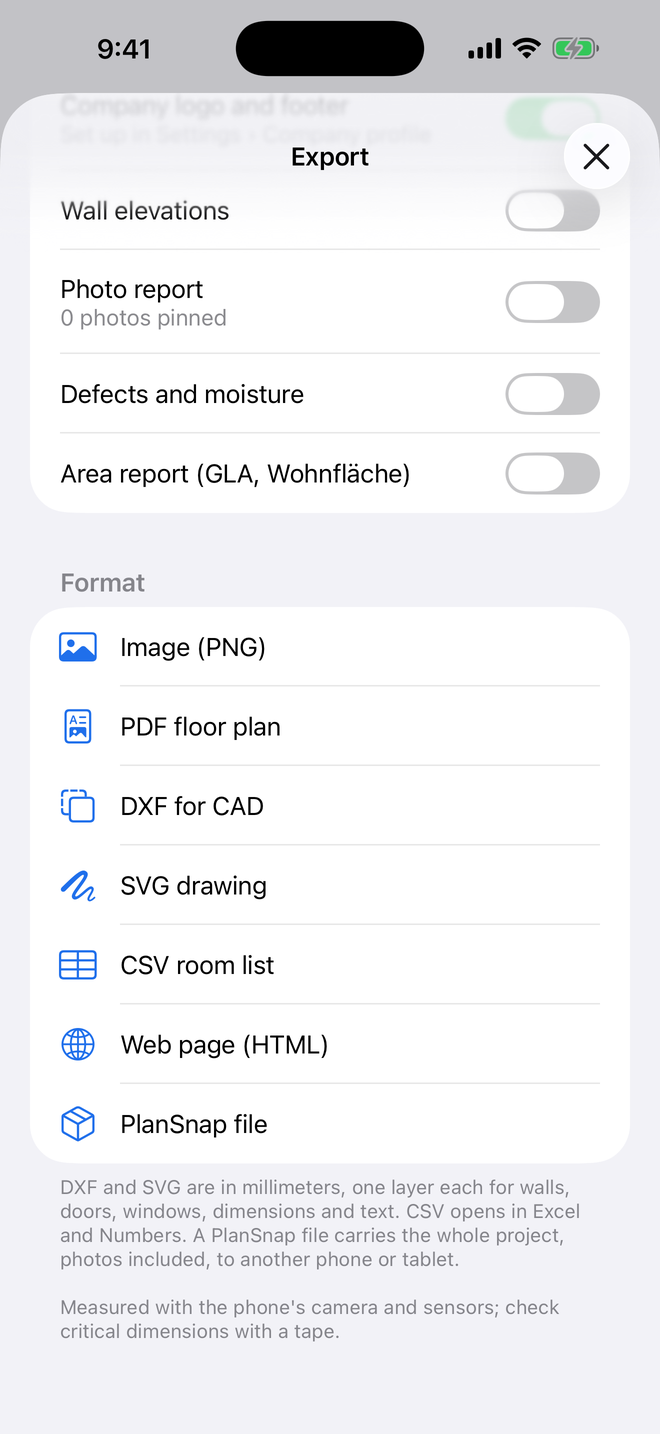
Which floor plan file should you send: PDF, DXF, SVG or CSV?
PlanSnap exports a floor plan as PNG, PDF, DXF, SVG, CSV, a web page or a PlanSnap file. What each format is for, who can open it and which ones are free.
Feature walkthroughs
Inspection checklists, defects and moisture readings on your floor plan
Use PlanSnap for room-by-room inspection checklists, defects pinned to the plan, damage areas, moisture readings, a drying log and a defects section in the PDF.
Read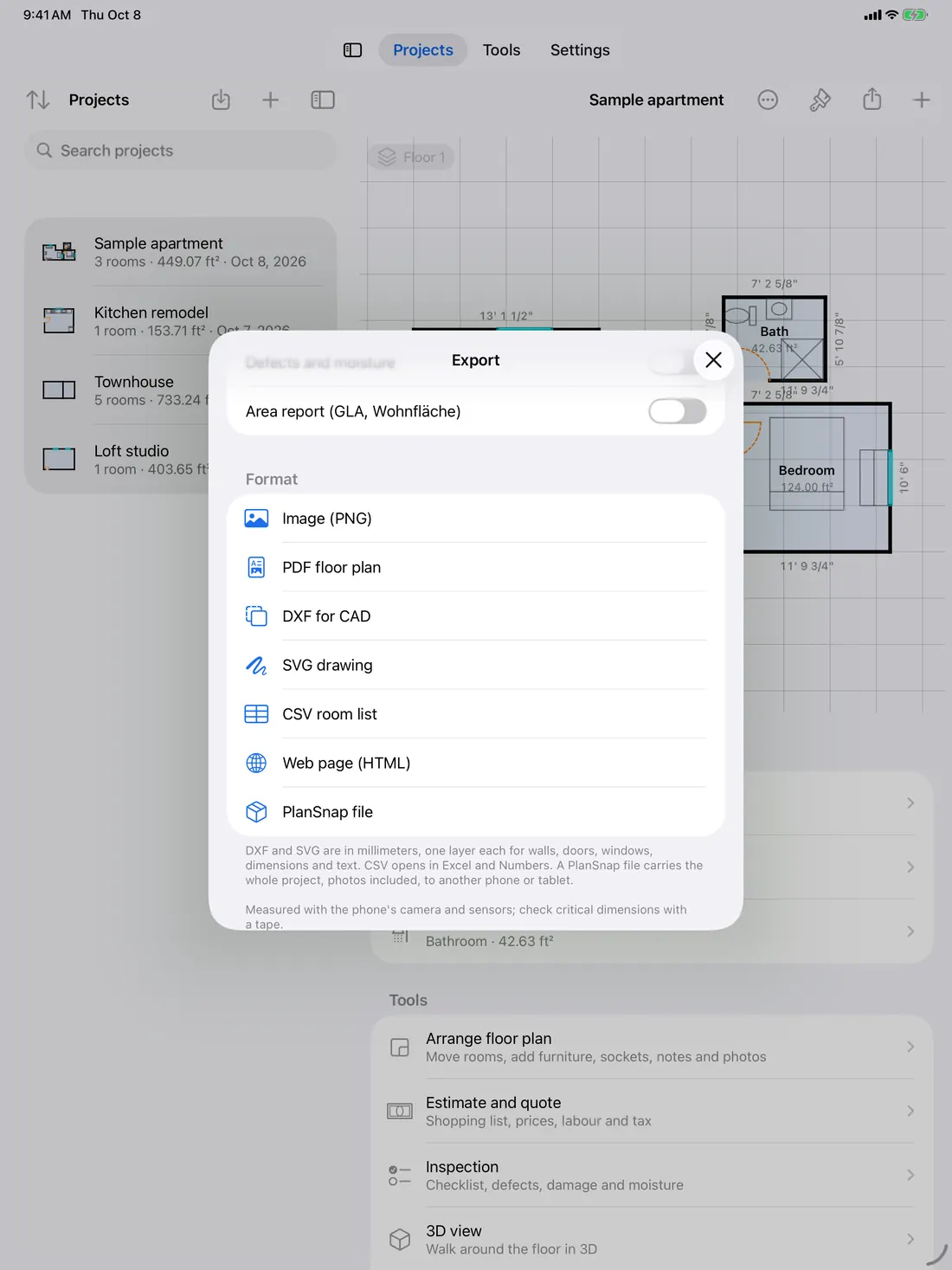
Move-in and move-out report: rate every room, read the meters and sign on iPhone
How the PlanSnap move-in and move-out report works: a checklist per room, meter readings, keys, signatures, a side-by-side comparison and a sealed PDF to share.
Read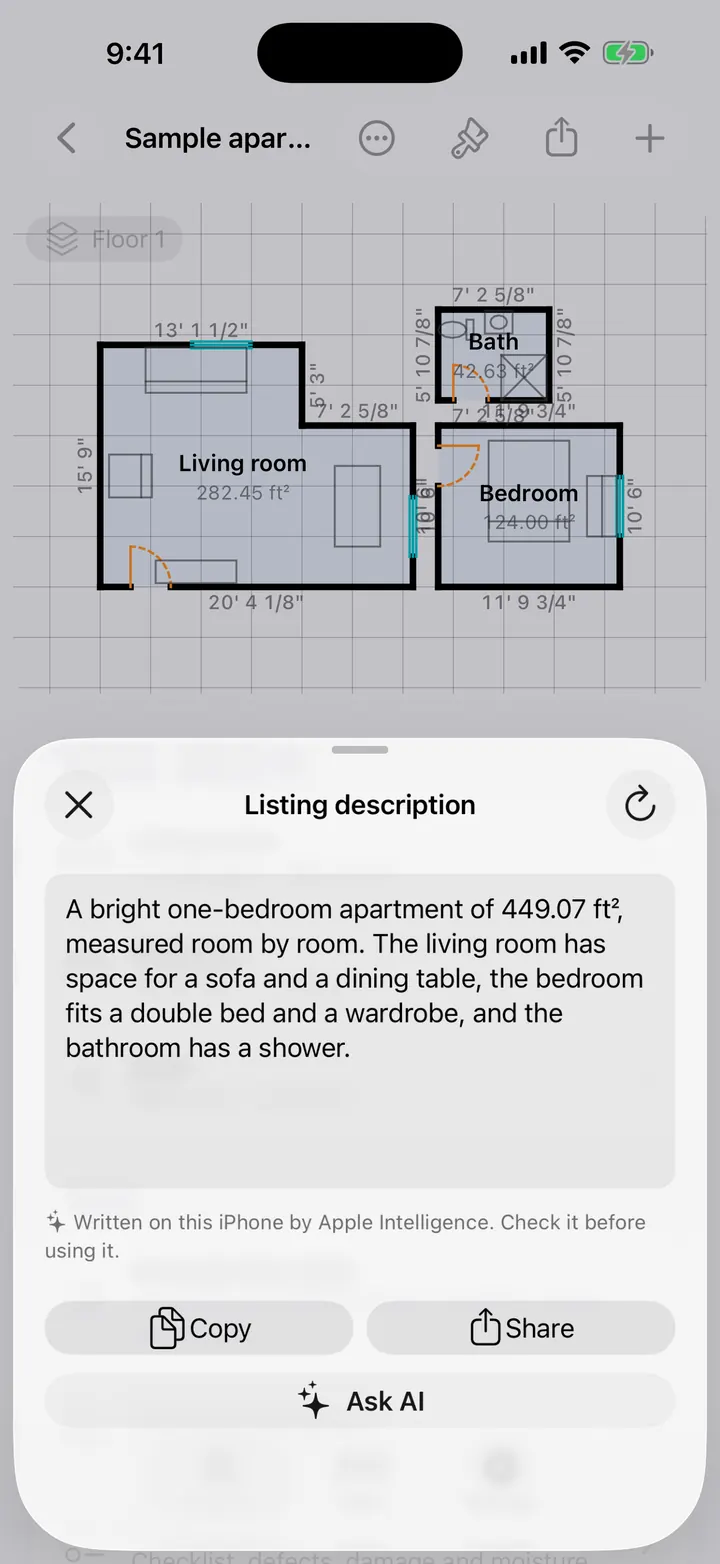
Listing description from your floor plan, written on your iPhone
How PlanSnap writes a short listing description from your measured rooms with Apple Intelligence on the iPhone, what it sends and how to edit, copy or share it.
Read